Meta's Muse
How to edit videos using Meta's Muse
Behind the scenes
Watch Muse edit a video
One prompt, Muse at work, and the fix—all on a phone.
The workflow
From one phone video to a captioned short
You send messages. Muse runs moviestar.
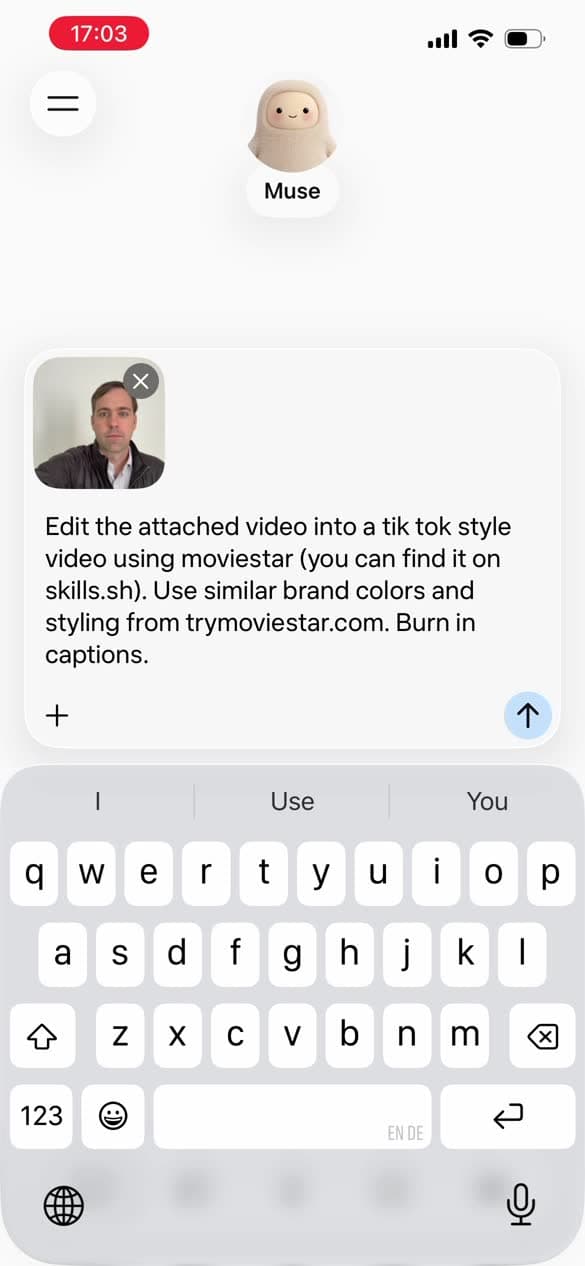
Attach the video and ask in one sentence
Attach the video. Say what you want, where to find moviestar, and what style to match.
Edit the attached video into a tik tok style video using moviestar (you can find it on skills.sh). Use similar brand colors and styling from trymoviestar.com. Burn in captions.
Let it look before it cuts
Moviestar transcribes the footage so every cut lands on a word. On the first run, allow the huggingface.co prompt.
$ moviestar load IMG_0423.MOV --as cam --model small
moviestar storyboard --source cam --interval 8 --out cam_storyboard.jpg
Give it a style to match
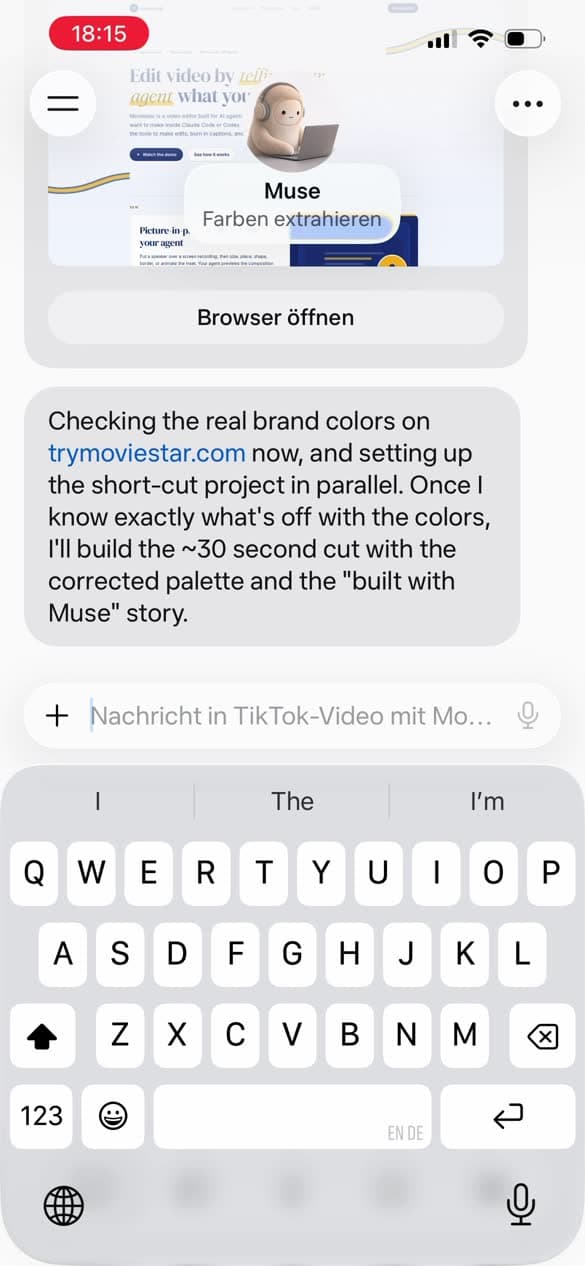
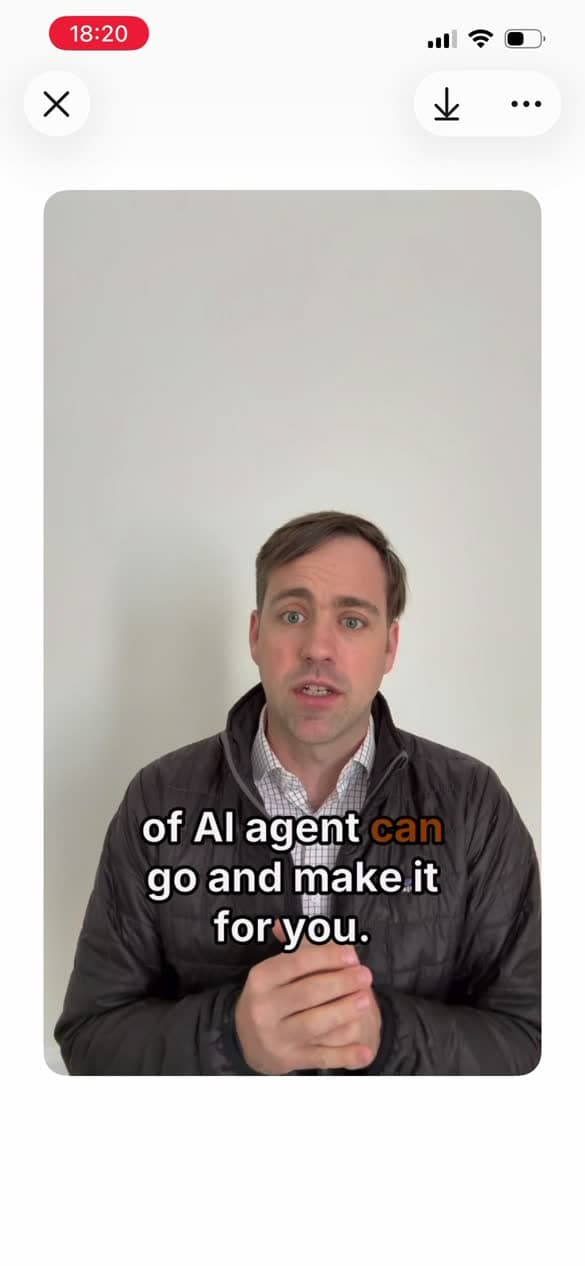
Point Muse at a site. It pulls the colors and styles the captions to match.
$ moviestar captions generate --style social-bold --highlight spoken-word \
  --highlight-color "#ffb81c" --position bottom
Watch it, then say what to change
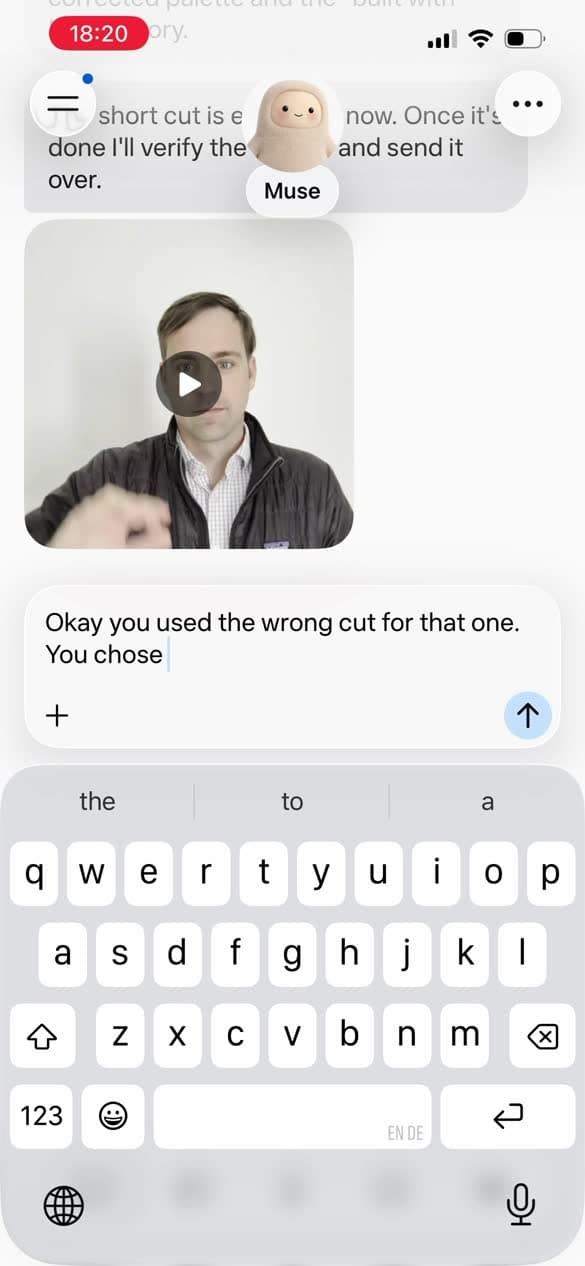
Reply in plain language. Recorded more than one take? Say which to use.
Yeah let's try something shorter. Work this video in as b-roll and build the story around building with Muse. Double check the colors on the captions / branding because they look off to me.
Okay you used the wrong cut for that one.
Check it, then render
Muse checks frames before the full render. Each note is a re-export, not a rebuild.
$ moviestar screenshot --at 44.5
moviestar export --out final.mp4
On the phone
What you'll see while Muse works
Screens from the real session (phone set to German).
Keep going
Edit your next video with Muse.
Install the moviestar skill, then attach a video and ask.